













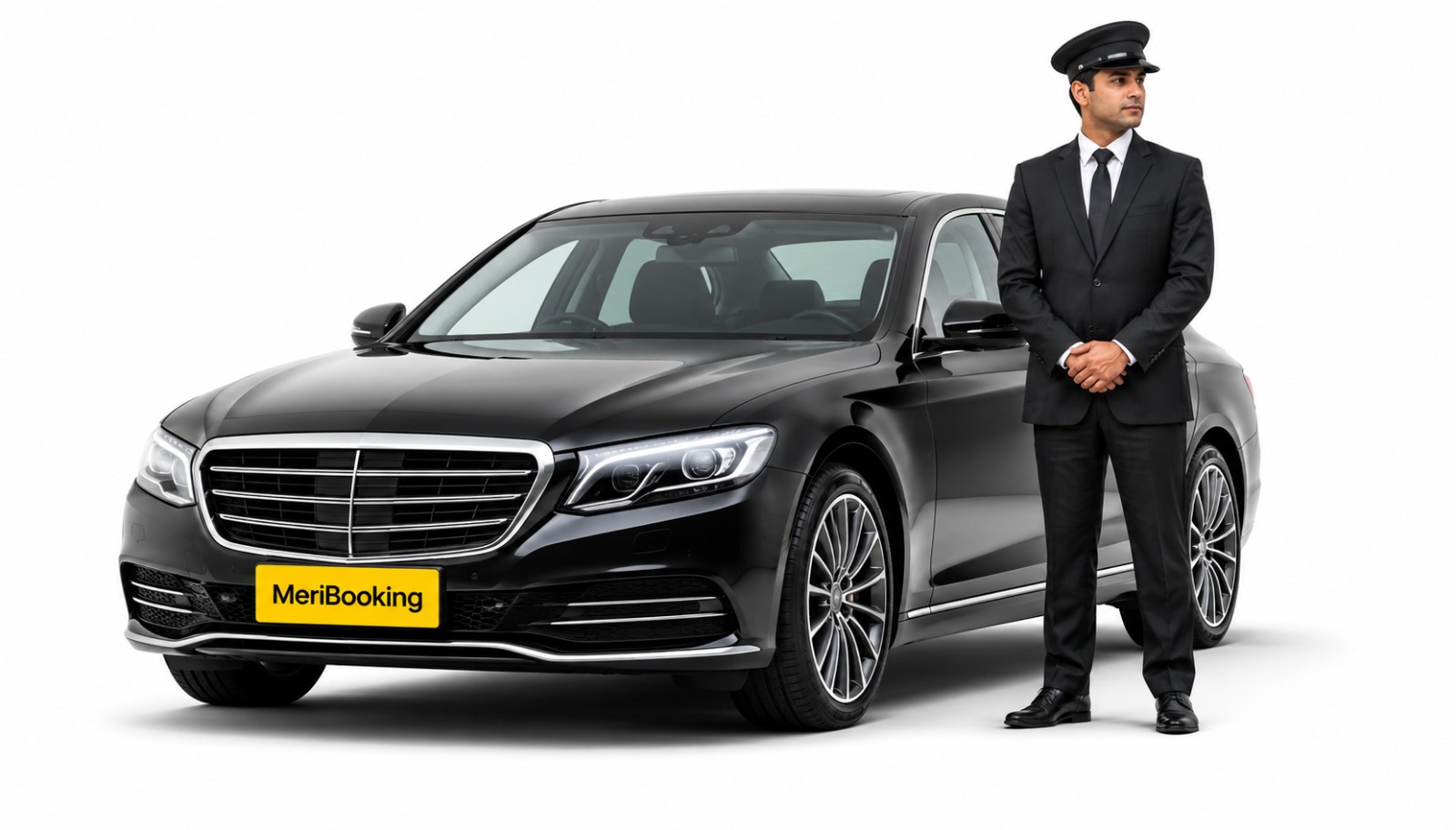
MeriBooking provides corporate car rental and corporate transportation services designed around the everyday needs of businesses. From employee transportation and airport transfers to executive travel and long-term rentals, we combine dependable operations, professional chauffeurs and technology-enabled service to keep business travel running smoothly. With a growing network across 200+ locations in India, MeriBooking helps companies move their employees, clients and partners safely, punctually and professionally.

Safety, Compliance and operational discipline

Clear commercials and financial control
Pan-India reach and scalable mobility

Reliable Availability & Business Continuity

Professional Chauffeurs & Service Experience

Technology, control and real-time visibility
From everyday business travel to high-stakes executive movement.

Reliable vehicles for regular and business travel requirements.

Professional chauffeur services for executives, employees, clients and guests.
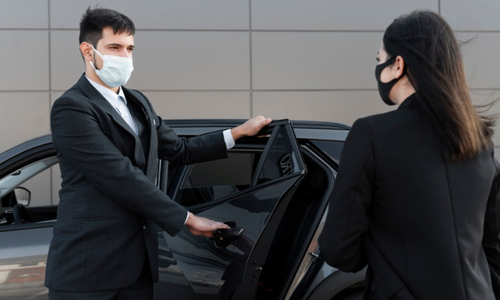
Structured transportation solutions for employee movement and daily business operations.
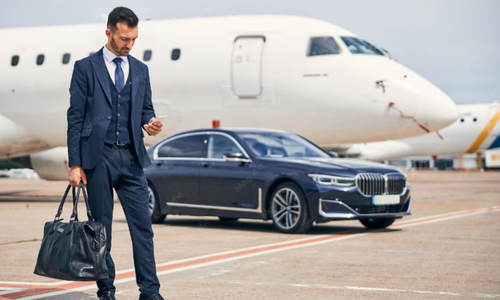
Dependable corporate airport transfer services with coordinated pickups and drop-offs.

Flexible long-term vehicle solutions for businesses with ongoing mobility requirements.
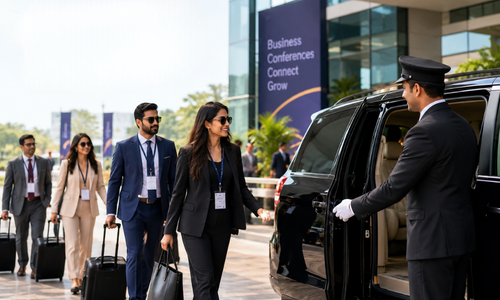
Organised transportation support for meetings, conferences, events and group movements.
Corporate transportation involves more than booking a vehicle. It requires coordination at every stage of the journey.
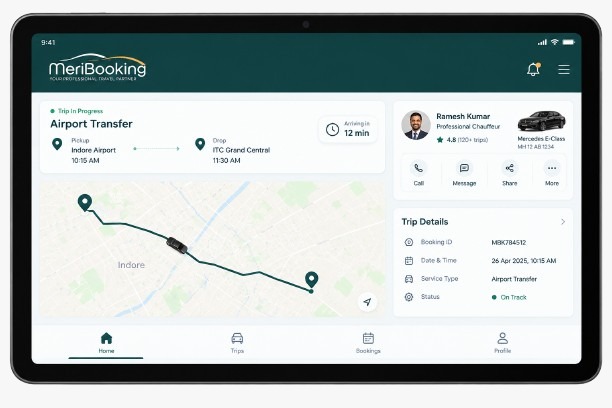
MeriBooking combines technology with strong operational processes to provide:







From everyday corporate travel to executive and group transportation, choose vehicles that match your business requirement.
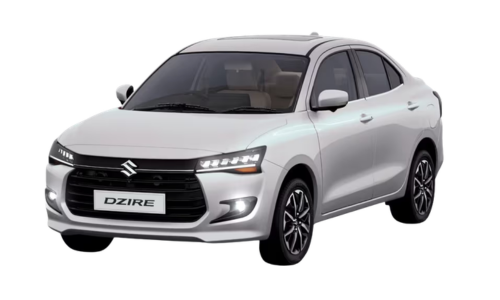
Economy Sedan | Everyday Corporate Travel
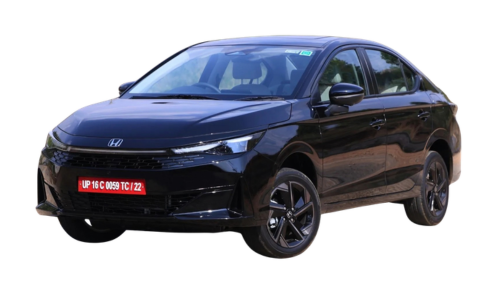
Premium Sedan | Business & Executive Travel
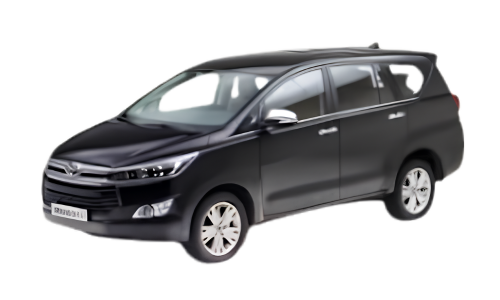
Premium MPV | Corporate & Group Travel
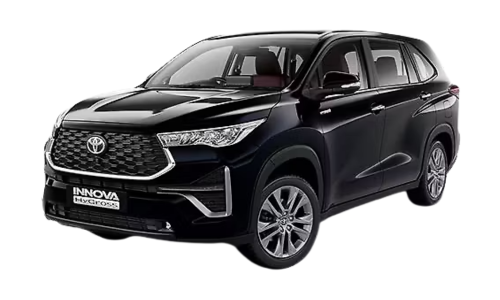
Premium MPV | Executive & Group Mobility
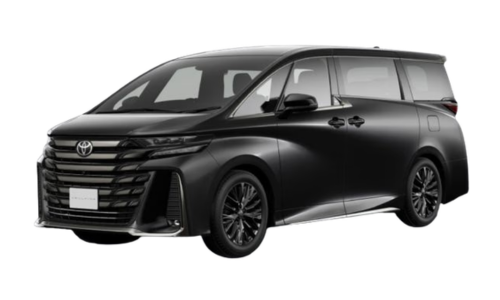
Luxury MPV | VIP & Premium Executive Travel
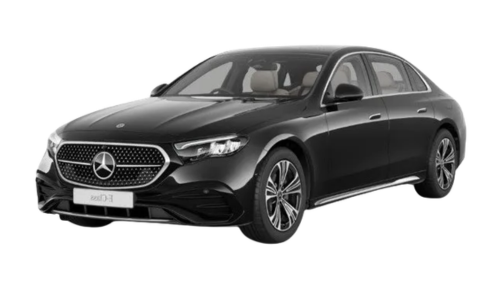
Luxury Sedan | Executive & VIP Mobility
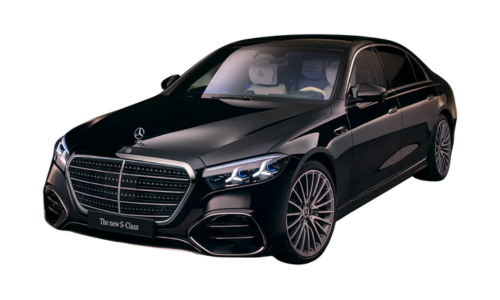
Flagship Luxury Sedan | Premium VIP Travel
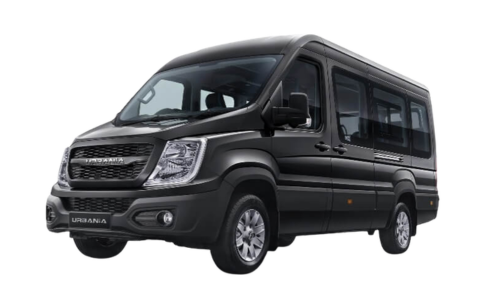
Premium Passenger Van | Corporate Group Travel

Premium Coach | Large-Group & Event Transportation
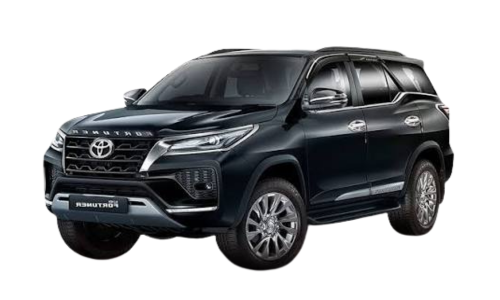
Premium SUV | Executive & Business Travel
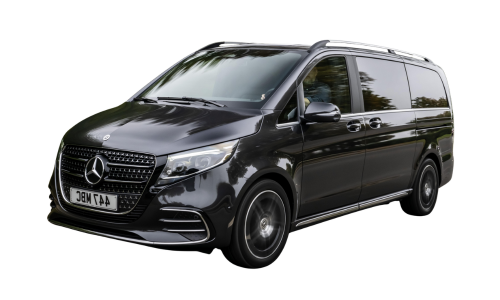
Luxury MPV | VIP & Executive Group Mobility
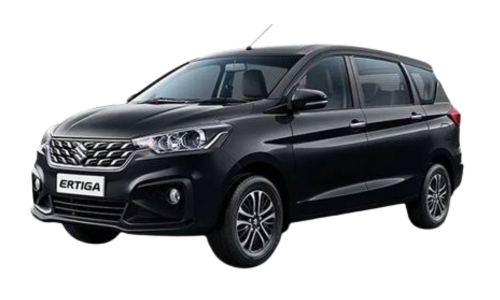
Multi-Purpose Vehicle (MPV) | Practical Group Travel
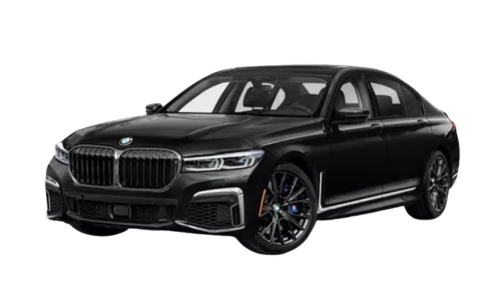
Flagship Luxury Sedan | Senior Leadership & VIP Travel
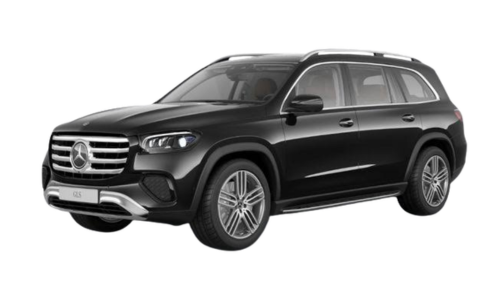
Luxury SUV | Premium Executive & VIP Mobility
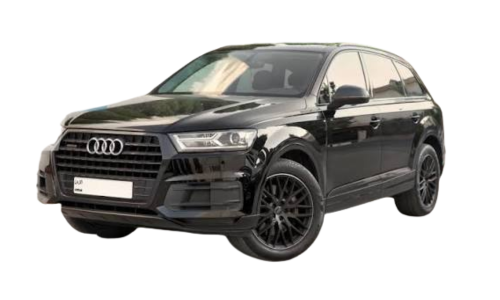
Luxury SUV | Executive & Premium Group Travel
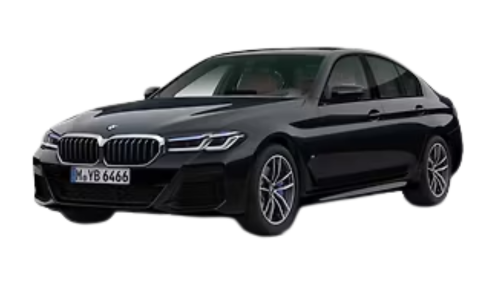
Luxury Executive Sedan | Business & Leadership Travel
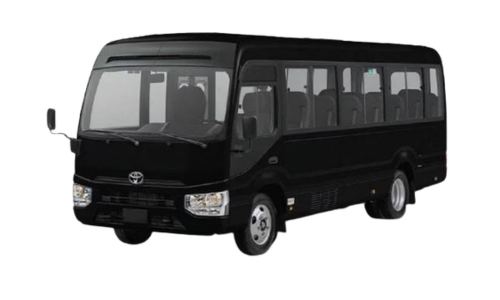
Group Minibus | Corporate & Event Transportation
Explore vehicle options designed for corporate travel, executive mobility and group transportation — View Fleet
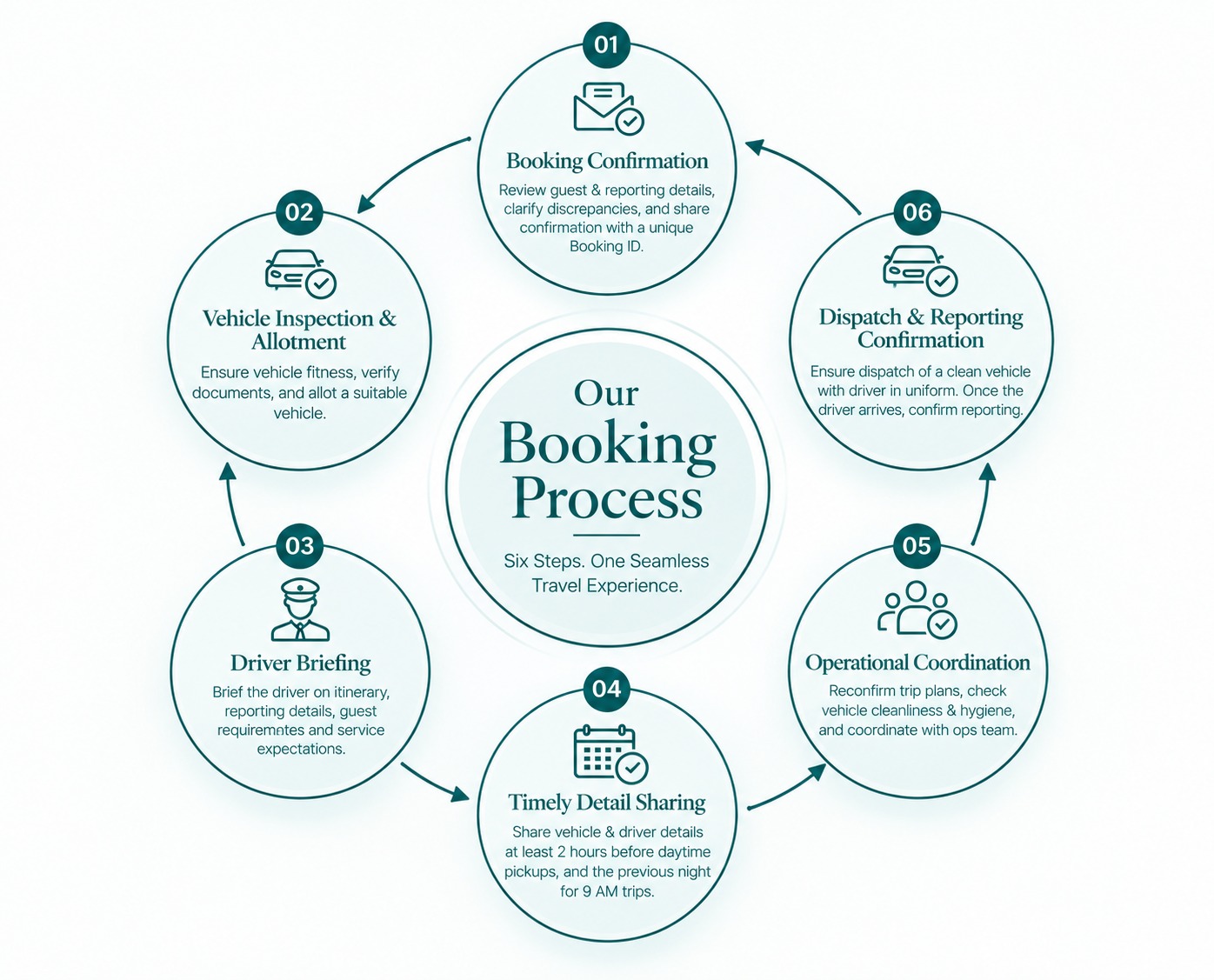
MeriBooking’s corporate travel booking solutions are designed for reliability, safety, comfort and convenience.
With every piece of the puzzle falling perfectly in place for your corporate transport, from vehicle inspection to drive briefing, to client confirmation,
our operations are well-aligned ensuring a deeply dependable, and hassle-free travel.
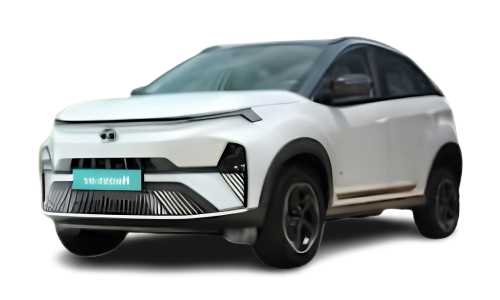
Electric SUV | Everyday Business Mobility
In tune with sustainable environmental goals, MeriBooking takes a step forward with its new MERILY Sustained program.
Offering two premium EVs to choose from, our intelligent approach to mobility helps businesses align their corporate sustainability values with their choice of transportation.
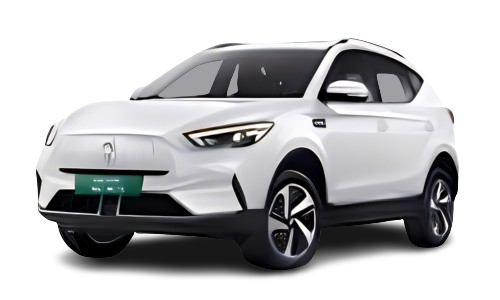
Electric SUV | Sustainable Corporate Mobility
With a growing network across 200+ locations in India, MeriBooking helps businesses maintain consistent transportation standards across cities.
.jpeg)
Choose from flexible luxury transportation plans tailored for airport transfers, executive travel, special occasions, and
premium chauffeur experiences with professional service and transparent pricing.
Instant Booking Request
Professional Chauffeur Service
Luxury & Executive Vehicles
Transparent Pricing
24/7 Customer Support
Safe & Reliable Transportation
Trusted by leading companies across
Trusted by executives, airport travelers, event guests, and luxury travel clients worldwide. View All Reviews
Find answers to the most common questions about our limousine and car rental services, booking process, vehicle options, chauffeur services, and travel experience.
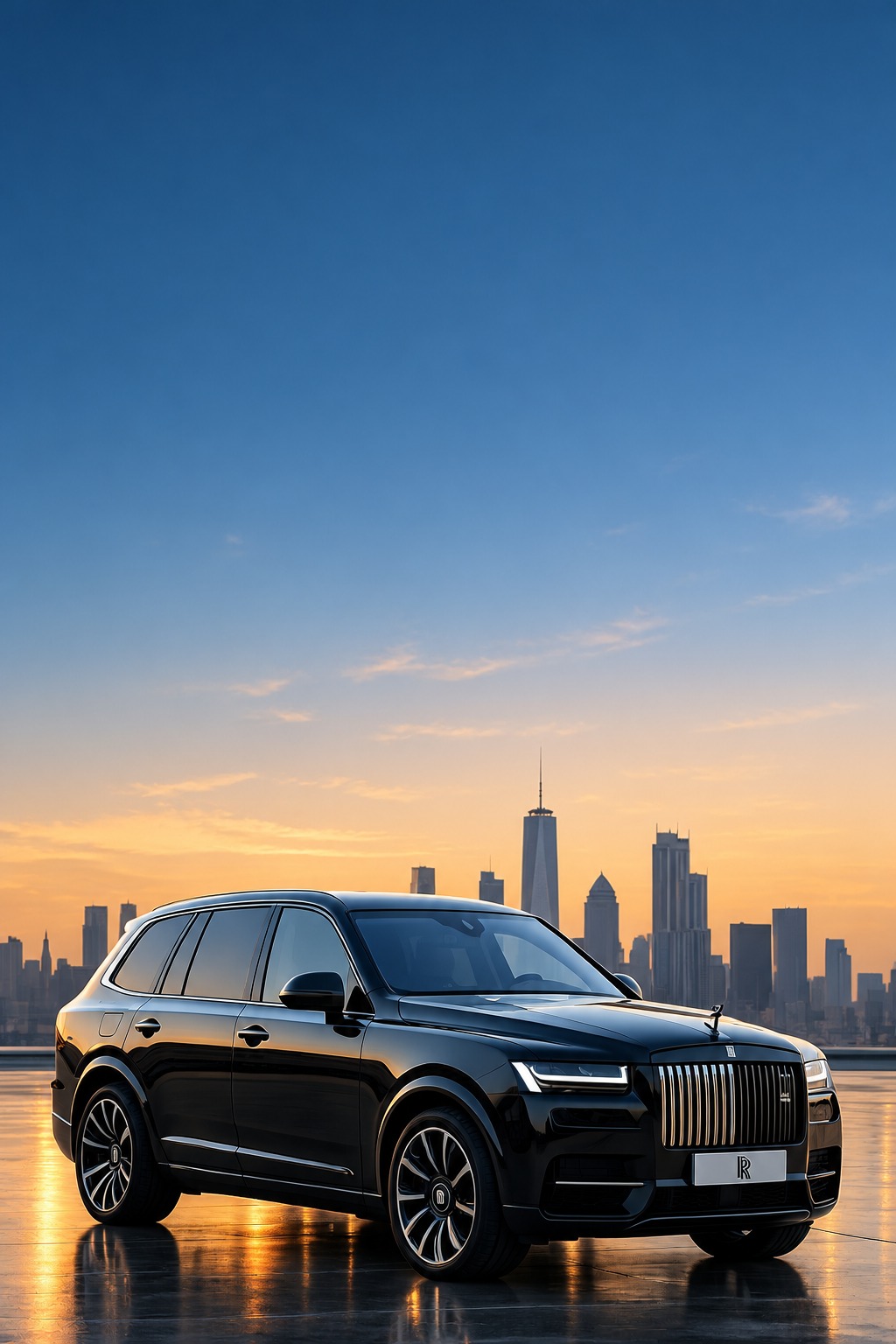
MeriBooking provides corporate car rental, chauffeur-driven mobility, employee transportation, airport transfers, long-term vehicle rentals, and MICE and event transportation. Our services are designed to support businesses with daily employee commutes, executive travel, client pickups, business meetings, and corporate events.
We combine professional transportation services with operational coordination to help businesses manage their travel requirements more efficiently. Companies can contact our team to discuss their requirements and find a suitable mobility solution.
Yes, MeriBooking provides chauffeur-driven transportation for corporate travel, executive journeys, business meetings, airport transfers, and client transportation. Businesses can choose suitable vehicles based on their travel requirements, passenger needs, and service expectations.
Our chauffeur-driven services focus on professional service, punctuality, comfortable journeys, and coordinated trip management. This allows employees, executives, and business guests to travel conveniently while companies focus on their core operations.
Yes, MeriBooking supports corporate mobility requirements across 200+ locations in India. Our network helps businesses arrange transportation for employees, executives, clients, and business partners across multiple locations.
Whether your company needs transportation in one city or requires support across different business locations, MeriBooking can help coordinate suitable travel arrangements. Contact our team to confirm service availability for your specific cities, routes, and transportation requirements.
Yes, MeriBooking provides employee transportation solutions for businesses that need dependable daily or scheduled employee mobility. These services can support employee commutes, office transfers, and other work-related transportation requirements.
Our approach focuses on operational coordination, trip visibility, and communication to help businesses manage transportation more systematically. Companies can discuss their employee headcount, pickup locations, schedules, and operational needs with our team to explore a suitable arrangement.
Yes, MeriBooking offers long-term vehicle rental and leasing solutions for businesses with ongoing transportation requirements. These arrangements can be considered by companies that need vehicles for executives, employees, business travel, or regular operational use without directly managing every aspect of fleet ownership.
The appropriate solution depends on the required vehicle type, rental duration, locations, and service requirements. Businesses can contact MeriBooking to discuss their needs and receive details about suitable vehicle options and commercial terms.
MeriBooking uses technology-enabled operational processes to support trip visibility and transportation coordination. Features include live trip status, vehicle and chauffeur assignment, real-time communication, and exception management, depending on the service and system access provided.
These capabilities help corporate travel teams stay informed about journey progress and coordinate responses when plans change. Companies can contact our team to understand the available tracking features, reporting options, and technology access applicable to their corporate transportation arrangement.
Stay informed with the latest insights on luxury travel, chauffeur services, airport transfers, corporate transportation,
and exclusive travel experiences designed to make every journey exceptional.
Find out how to select the ideal luxury sedan, SUV, or limousine for weddings, corporate travel, city tours, and special...
Learn how professional chauffeurs enhance comfort, safety, reliability, and overall travel convenience.

Explore how luxury transportation helps professionals maintain productivity and make lasting impressions.
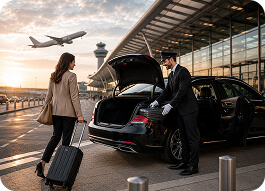
Plan smoother journeys with expert advice on airport pickups, scheduling, and travel preparation.